agency-automation
The Agency Automation Stack Worth Testing First
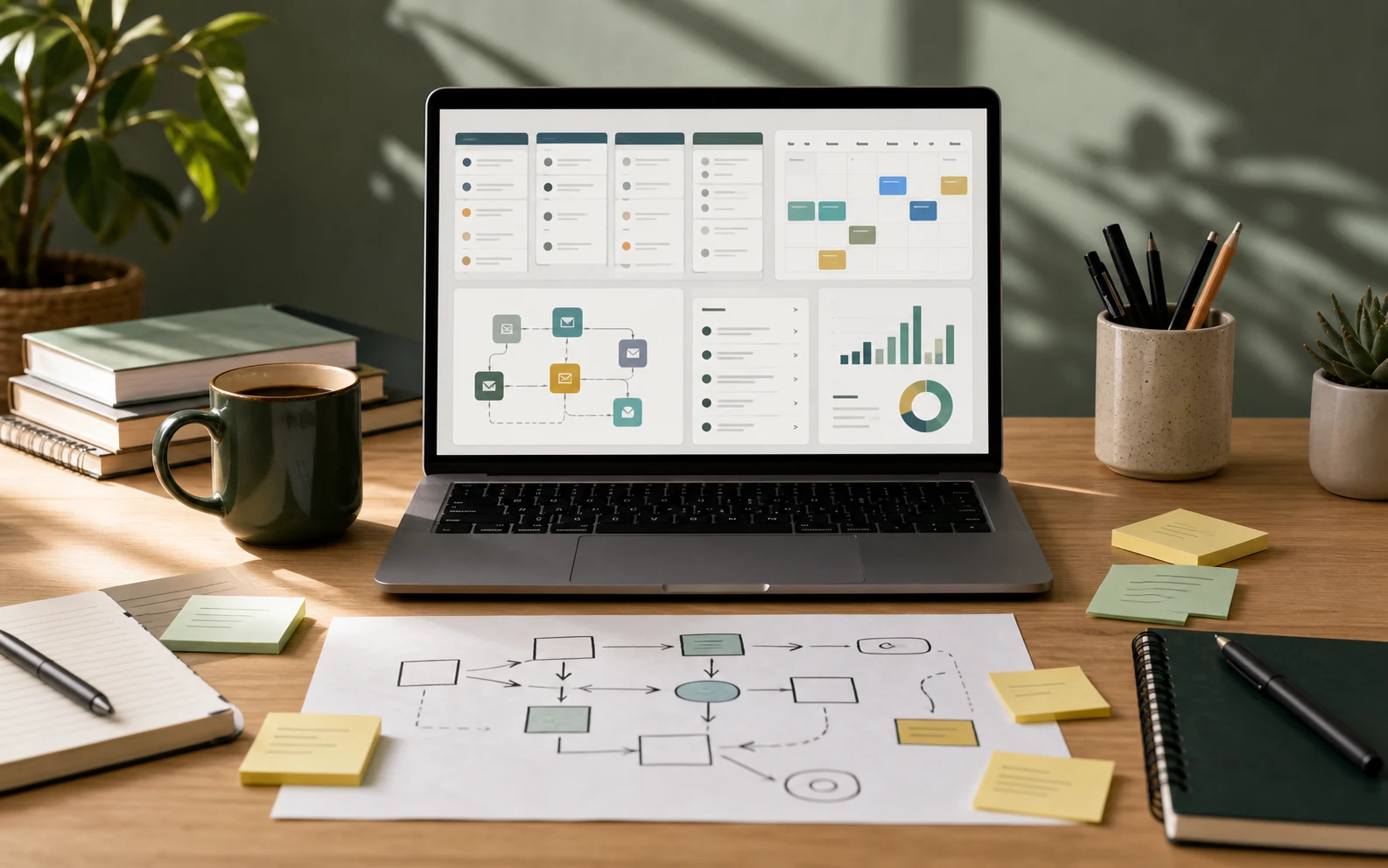
A useful agency automation stack starts with the workflows that make revenue operations easier to run: capture, qualify, schedule, follow up, deliver, and measure. Tool choices matter most when they remove friction from those workflows.
For most small agencies, the first mistake is buying isolated software for every problem: one tool for landing pages, one for forms, one for booking, one for SMS, one for email, one for call tracking, one for reports, and another tool for AI. That can work in a mature operations team. It usually fails when the agency is still trying to standardize how leads move from interest to booked call to proposal to client.
The first stack should be boring enough to operate every day and flexible enough to test new workflows. The goal is not to chase the largest feature list. The goal is to make the revenue system easier to inspect.
Evaluation criteria
Useful automation stacks need to answer a few direct questions:
| Question | Why it matters |
|---|---|
| Where do leads enter? | Attribution and response speed depend on clean intake. |
| How does follow-up happen? | Missed follow-up is usually the biggest revenue leak. |
| Who owns each handoff? | Automation breaks when humans do not know when to step in. |
| What data returns to the CRM? | Reporting is only useful when the loop closes. |
| What happens when automation fails? | A good system has alerts, fallbacks, and human review points. |
| What does the client actually see? | Agencies need clean client-facing experiences, not only internal efficiency. |
Recommended first stack
This is the first stack I would test for an agency that wants to improve lead capture, speed-to-lead, appointment handling, follow-up, and content visibility without building custom software too early.
| Layer | Starting tool | Why it belongs in the first test |
|---|---|---|
| CRM and workflow core | GoHighLevel | Central place for contacts, pipelines, calendars, funnels, forms, email, SMS, calls, and workflow automation. |
| Voice-agent workflows | Synthflow | Useful when phone response time, appointment booking, qualification, or call routing is part of the workflow. |
| Voice and audio quality | ElevenLabs | Useful for generated voice assets, narration, voice testing, dubbing, speech-to-text, and broader audio workflows. |
| Search and content research | Semrush | Useful for keyword research, competitor research, content planning, and visibility reporting. |
| CRM benchmark | HubSpot | Useful as a comparison point when a team wants a more traditional CRM and marketing/sales platform. |
Why GoHighLevel is the likely first test
GoHighLevel is the most natural first test when the buyer is an agency, consultant, local-service operator, or small team that needs one operating hub for client acquisition and follow-up. HighLevel’s public positioning emphasizes CRM, funnels and websites, automation, email, SMS, booking, payments, and courses in one platform. Their support materials describe Starter, Unlimited, and Agency Pro style plans, plus usage-based costs and add-ons for items such as phone, email, AI, and premium workflow features.
That matters because an agency stack fails when the core system is split across too many tools. The first implementation should put these pieces in one place:
- Contact records and pipeline stages.
- Forms, landing pages, or funnels for lead capture.
- Calendar booking and appointment reminders.
- Email and SMS follow-up.
- Missed-call or speed-to-lead workflows.
- Basic reporting on source, stage, booking, show rate, and close rate.
- Client subaccounts or workspaces if the agency manages several clients.
GoHighLevel is not automatically the best long-term CRM for every company. It is best treated as a practical agency operating system to test when speed, packaging, and workflow consolidation matter more than deep enterprise CRM customization.
Where Synthflow fits
Synthflow belongs in the stack only after the CRM workflow is clear. Its strongest fit is phone automation: inbound calls, outbound follow-up, appointment booking, call routing, voicemail detection, SMS follow-ups, and CRM updates. Synthflow’s public materials position it as a voice AI platform for inbound and outbound call flows with CRM, telephony, and support integrations.
Good first use cases:
- Answer missed calls from paid traffic or local-service campaigns.
- Qualify inbound leads before a human sales call.
- Book or reschedule appointments by phone.
- Re-engage old leads with a tightly scoped outbound call.
- Route urgent callers to a human while logging the outcome.
Weak first use cases:
- Complex advisory calls with many edge cases.
- Regulated conversations without compliance review.
- Workflows where the CRM data is already messy.
- Any call flow where the business cannot define success or escalation rules.
Voice AI can improve coverage, but it also makes bad process more visible. Before using Synthflow, write the call goal, allowed claims, escalation triggers, CRM fields to update, and the exact follow-up message.
Where ElevenLabs fits
ElevenLabs is better understood as voice and audio infrastructure than as a CRM replacement. Its documentation describes capabilities such as text-to-speech, speech-to-text, voice cloning, conversational agents, generative audio, dubbing, and official SDK/API access.
For an agency stack, ElevenLabs is useful when the work includes:
- Voiceovers for ads, training, product demos, or explainer content.
- Audio localization or dubbing.
- Voice quality tests for AI agent experiences.
- Speech-to-text workflows that turn calls or recordings into written artifacts.
- Prototype voice experiences before the workflow moves into a more complete voice-agent system.
Do not buy it just because the output sounds impressive. Buy it when the agency has a repeatable content or voice workflow where better audio quality saves production time, improves client delivery, or supports a measurable campaign.
Where Semrush fits
Semrush is the research and visibility layer. Its public product pages emphasize keyword research, competitor analysis, keyword gap analysis, backlink research, search volume, keyword difficulty, CPC, user intent, and content planning. That makes it useful for agencies that need to decide what to publish, what competitors are ranking for, and which topics are worth turning into landing pages, blog posts, comparison pages, or demo app writeups.
In this stack, Semrush should answer questions such as:
- What terms are prospects already searching?
- Which competitors own the current search results?
- Which keyword gaps are realistic for a small site?
- Which topics deserve a service page, guide, comparison, or demo app article?
- Which existing pages should be refreshed?
Semrush does not fix a weak offer. It helps the agency choose better content and measure whether the content system is becoming easier to find.
Where HubSpot fits
HubSpot is the benchmark. It is often a cleaner fit when the company wants a traditional CRM, broader marketing and sales hubs, contact management, pipeline management, shared inbox, reporting, and a long-term platform with a large ecosystem. HubSpot’s public CRM pages emphasize free CRM access, contact management, pipeline management, connected marketing/sales/service tools, and customer data as the platform foundation.
Use HubSpot as the comparison point when:
- The team already thinks in terms of sales, marketing, service, and operations hubs.
- The CRM needs to support a larger internal sales team.
- Reporting and data governance matter more than agency-style packaging.
- The company wants a CRM that can grow beyond local-service or agency workflows.
Use GoHighLevel first when:
- The buyer is an agency running workflows for itself or clients.
- The first priority is lead capture, booking, SMS/email follow-up, and funnels.
- Client subaccounts, templates, and packaged delivery matter.
- The team wants to consolidate several SMB marketing tools quickly.
A practical 30-day pilot
Do not test every feature. Test one revenue workflow from start to finish.
Week 1: Map the baseline
Write down the current path from lead source to booked call to closed client. Capture the current numbers:
- Monthly lead volume by source.
- Average first response time.
- Booking rate.
- Show rate.
- Close rate.
- Follow-up completion rate.
- Manual operator time per lead.
Then choose one workflow to improve. A good first candidate is a lead form, missed call, or booking flow with enough volume to measure but not enough complexity to create operational risk.
Week 2: Build the CRM core
Set up the CRM pipeline, form or landing page, calendar, reminder sequence, and follow-up workflow. Keep the first version simple:
- New lead created.
- Source recorded.
- Owner assigned.
- First response sent.
- Appointment booked or qualification task created.
- Reminder sequence sent.
- No-show and no-response follow-up triggered.
- Outcome recorded.
This is where GoHighLevel is most likely to earn its place. If the team cannot maintain the CRM fields and stages, adding voice AI will not help.
Week 3: Add one automation layer
Add one specialized layer only after the CRM workflow is working.
If the bottleneck is missed calls or slow phone response, test Synthflow with a narrow call script and clear human handoff. If the bottleneck is content or voice production, test ElevenLabs on one repeatable content workflow. If the bottleneck is lead quality or organic visibility, use Semrush to select and refresh a small set of pages.
The point is to isolate the lift. If every tool is introduced at once, nobody will know what improved the workflow.
Week 4: Measure and decide
At the end of the pilot, compare the new workflow against the baseline:
| Metric | What to look for |
|---|---|
| First response time | Did speed improve without confusing prospects? |
| Booking rate | Did more qualified prospects book? |
| Show rate | Did reminders and confirmation reduce no-shows? |
| Follow-up completion | Did fewer leads go untouched? |
| Operator time | Did the workflow reduce manual work or just move it elsewhere? |
| Data quality | Are source, status, and outcome fields cleaner? |
| Client experience | Does the flow feel professional from the prospect side? |
Keep the tool only if the workflow is clearer, faster, easier to measure, or more profitable. Otherwise, fix the process before spending more.
Common mistakes
Buying the whole stack before defining the workflow
The stack should serve the workflow. Start with the lead path and the client promise, then select tools.
Automating vague follow-up
“Follow up with the lead” is not a workflow. A usable workflow defines timing, channel, message, owner, handoff rules, and exit criteria.
Treating AI voice as a magic receptionist
Voice agents need boundaries. Define allowed topics, prohibited claims, escalation language, and when a human should take over.
Ignoring unit economics
Many automation tools have usage-based costs. SMS, calls, email sends, AI actions, telephony, and premium workflow steps can change margins. Track usage during the pilot.
Skipping source-of-truth decisions
Decide where contacts, owners, lifecycle stages, notes, and reporting live. If every system becomes partially true, reporting gets worse.
Recommended first workflow
The simplest high-value test is a speed-to-lead and booking workflow:
- A prospect submits a form or calls from a campaign.
- The CRM creates or updates the contact and records the source.
- The prospect receives an immediate SMS or email response.
- The system offers a booking link or routes the prospect to a phone workflow.
- Appointment reminders are sent.
- No-shows and non-responses receive a short recovery sequence.
- The outcome is recorded in the CRM.
- Weekly reporting shows source, booking rate, show rate, and close rate.
This workflow is narrow, measurable, and useful for many agency clients. It also makes the next tool decision easier. If calls are the bottleneck, test Synthflow. If content is the bottleneck, test Semrush and ElevenLabs in the publishing workflow. If CRM structure is the bottleneck, compare GoHighLevel against HubSpot before expanding.
Bottom line
Start with GoHighLevel as the agency CRM and workflow core if the business needs fast consolidation around funnels, booking, messaging, and follow-up. Add Synthflow when phone handling is a measurable bottleneck. Add ElevenLabs when voice or audio production is part of delivery. Add Semrush when search visibility and content planning matter. Keep HubSpot in the comparison set when the organization needs a more traditional CRM and broader revenue platform.
The best first stack is the one that makes the next 30 days easier to measure.
Sources checked
- HighLevel pricing guide
- HighLevel platform overview
- Synthflow pricing
- Synthflow integrations
- ElevenLabs documentation
- Semrush keyword research
- Semrush competitor analysis
- HubSpot CRM
Start with a CRM and workflow core, then add specialized tools only where the workflow needs them.
- GoHighLevel for agency CRM, funnels, booking, and core workflow automation.
- Synthflow for voice-agent workflows where speed-to-lead matters.
- ElevenLabs for voice content, narration, and agent voice quality tests.
- Semrush for search, competitive research, and AI visibility content planning.
The point is not to crown one tool permanently. The point is to build a repeatable testing model that measures response time, conversion lift, operator effort, and total cost.
Practical next step
Before buying another platform, write down the first three workflows that must improve. If the tool does not make those workflows clearer, faster, or easier to measure, keep looking.